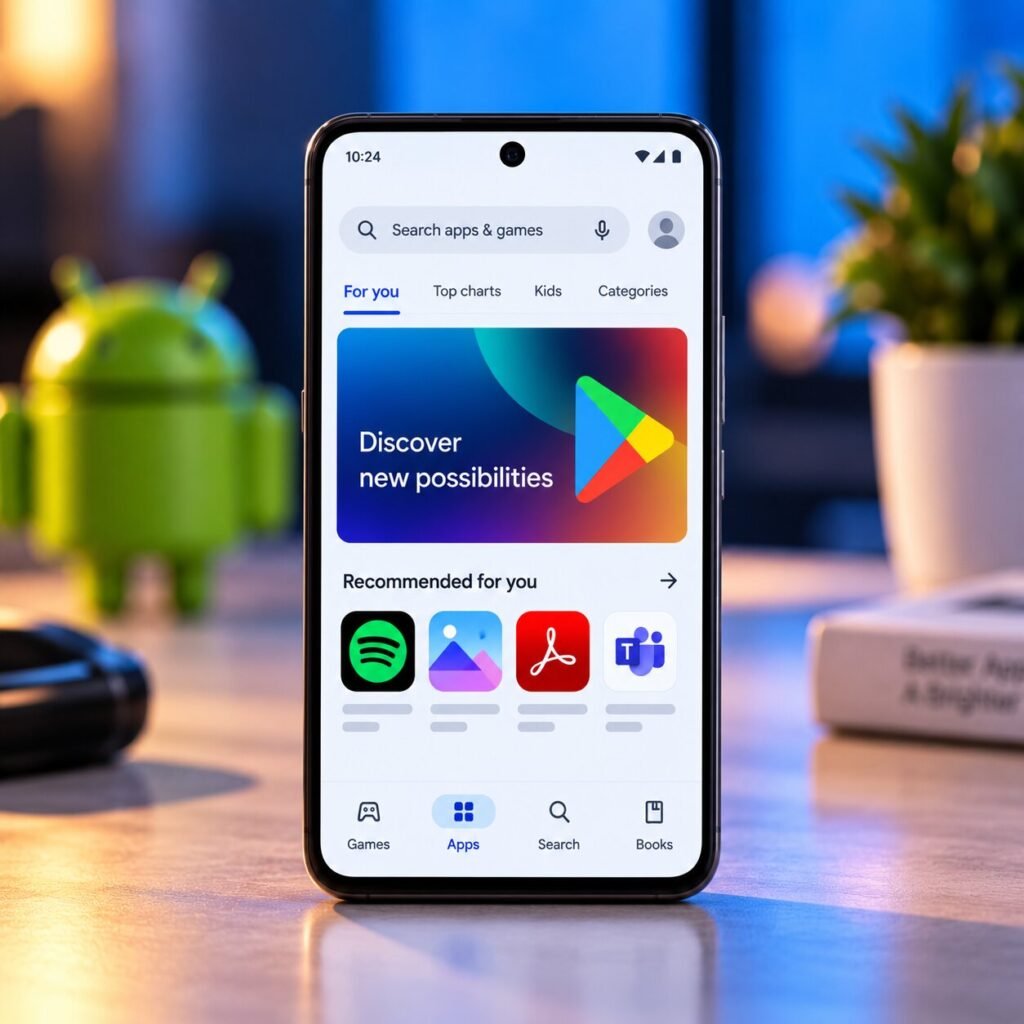
Google has quietly packed the Google Play Store with several new features during August 2026, and some of them could genuinely change how Android users discover apps, games, books and other content.
There wasn’t one huge Play Store redesign. Instead, Google rolled out multiple changes through different Play Store versions throughout the month, with the latest Play Store v53.0 arriving on August 31.
And one of the most interesting additions lets Google Play understand what’s inside a photo and recommend related apps and games.
The Play Store Can Now Find Apps From a Photo
This could become one of the most interesting new search features.
With Play Store v53.0, Google says users can find apps and games related to the content in a photo. In other words, Google is making Play Store search more visual instead of relying entirely on typed keywords.
That could be useful when you see something in an image but don’t know exactly what app you need to recreate it or interact with it.
It also fits with Google’s broader push toward visual and AI-assisted search.
Books and Comics Are Easier to Discover
Google also updated Play Store search so users can discover books and comics directly from search results.
Instead of treating Play primarily as an app and game marketplace, Google is making search more useful across different types of digital content.
For users who already search Google Play for entertainment, this could make finding relevant books and comics considerably easier.
Google Is Highlighting Trusted Creators
Another change is the new Creator Edit cluster.
Google says users can now discover trusted creators through this area, helping them find content recommendations inside the Play Store.
It’s a relatively small change, but it shows that Google is trying to make Play Store discovery more personalized instead of simply presenting users with endless lists of apps.
App Bundles Could Change What You Install
One of August’s more interesting changes arrived with Google Play Store v52.9.
Google introduced App Bundles, which can recommend curated groups of complementary apps immediately after you’ve downloaded an app.
For example, installing one type of app could potentially lead Play Store to suggest other apps that work well alongside it.
That could make it easier to discover useful apps you didn’t know existed — although it also means you’ll probably see more recommendations while installing apps.
Play Protect Is Getting Smarter Too
Google also improved Google Play Protect’s detection of potentially harmful apps as part of the August Play Store updates.
The improvement applies across phones and PCs and is designed to strengthen Google’s ability to detect potentially dangerous applications.
For Android users, this is arguably more important than some of the flashy discovery features because Play Protect operates behind the scenes to help keep devices safer.
Ask Play Is Getting More Useful
Google also added the ability to watch app and game video highlights directly inside Ask Play.
That means users can get a better idea of what an app or game looks like before deciding whether it’s worth installing.
Google has been pushing conversational discovery across Play, so this is another step toward making the Play Store less dependent on traditional app listings.
Large-Screen Devices Got Attention Too
Google hasn’t forgotten tablets and other large-screen Android devices.
August’s updates added quality-app highlighting on the Home and Search pages for large-screen devices. Google also made it possible to open app details directly from the Top Charts page on large screens.
Earlier in August, Google also added the ability to find content from installed apps directly through Play Store search on tablets.
There’s Another Change Hiding Outside the Play Store
While the Play Store itself received plenty of updates, Google’s wider August system updates also introduced some interesting changes.
With Google Play services v26.34, Android users can access phone files from a laptop, manage phone notifications from a Googlebook or tablet, and benefit from improved eSIM transfers. Google also added an AI-led Android device onboarding experience.
Google also expanded Tap to Share, allowing users to tap phones together to share contacts, photos, videos, links and location information.
How to Check for the New Play Store Update
You don’t necessarily need to wait for a major Android update.
To check your Play Store version:
Google Play Store → Profile picture → Settings → About → Update Play Store
Google’s August changes were distributed through multiple Play Store releases, including versions 52.6, 52.7, 52.8, 52.9 and 53.0.
However, there’s an important catch: Google’s changelog doesn’t mean every feature is immediately available to everyone. Some features can take time to roll out more broadly.
Google Is Quietly Turning Play Store Into More Than an App Store
The interesting part isn’t any single feature.
Google is gradually turning Play Store into a discovery platform where users can search for apps through photos, discover books and comics, watch app previews, find creator recommendations and receive bundles of related apps.
And with Google continuing to connect Android phones with PCs, tablets and its wider ecosystem, the Play Store is becoming a much bigger part of Google’s Android strategy.